Slagborn
A downloadable game for Windows
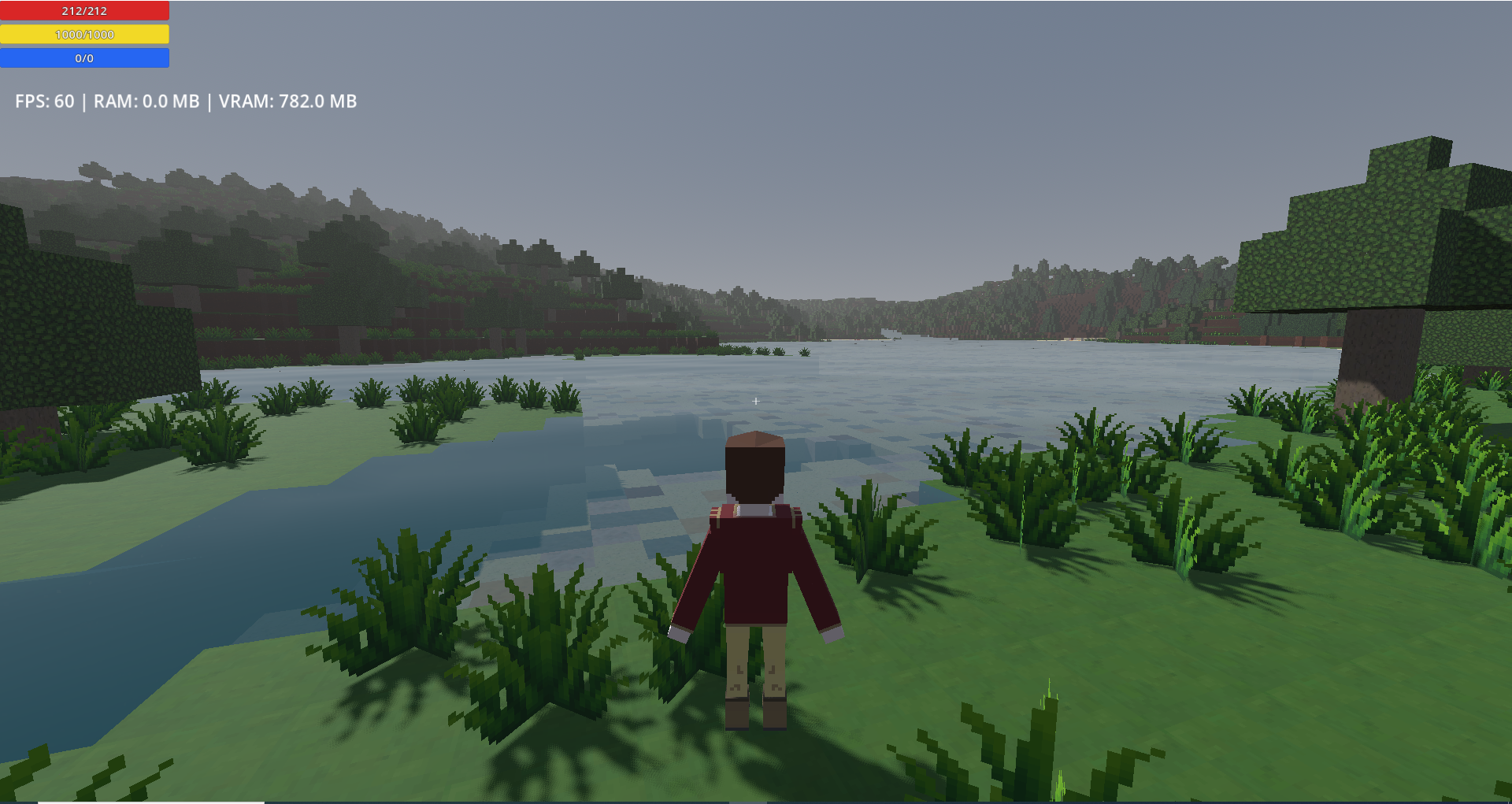
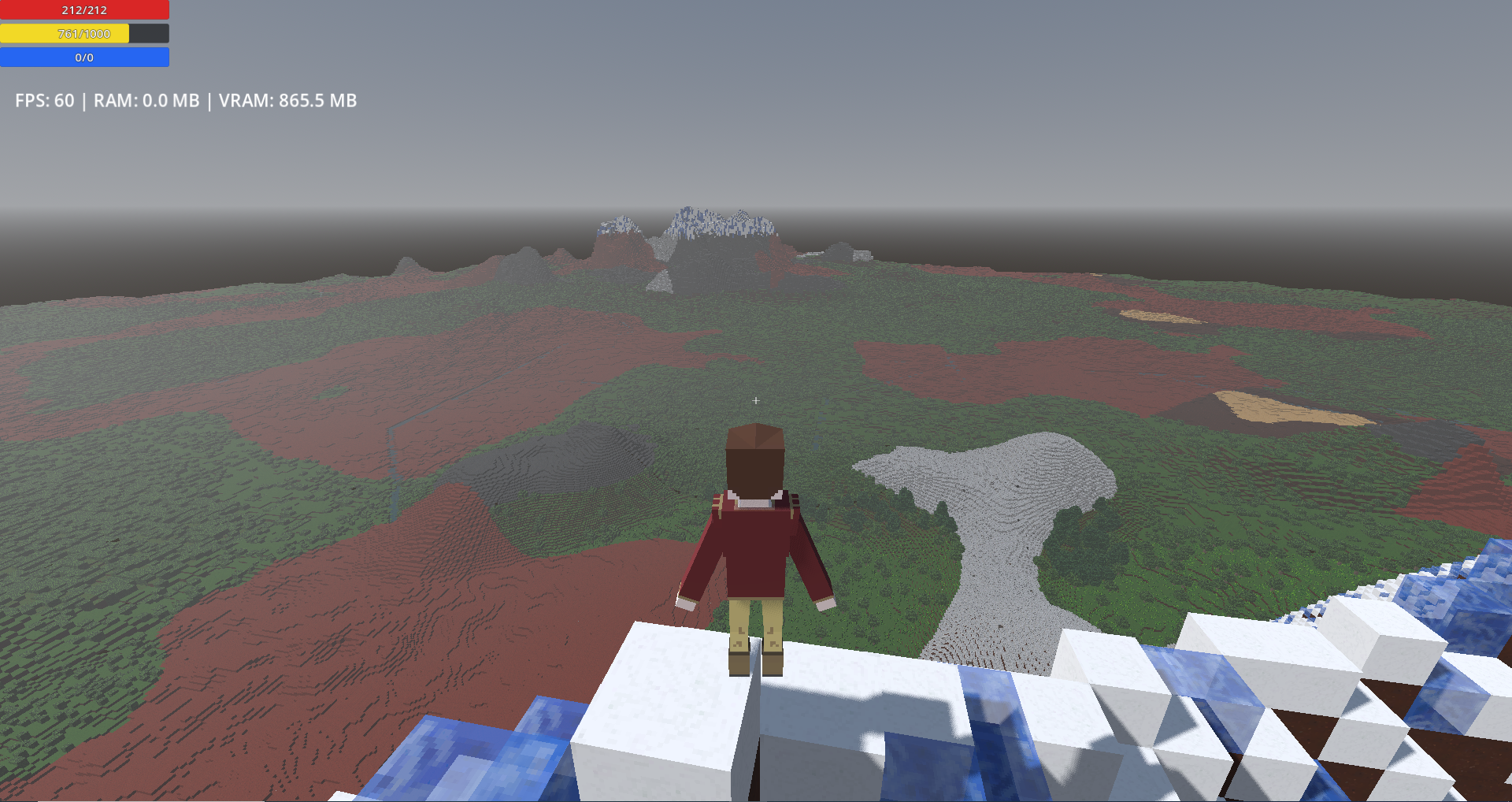
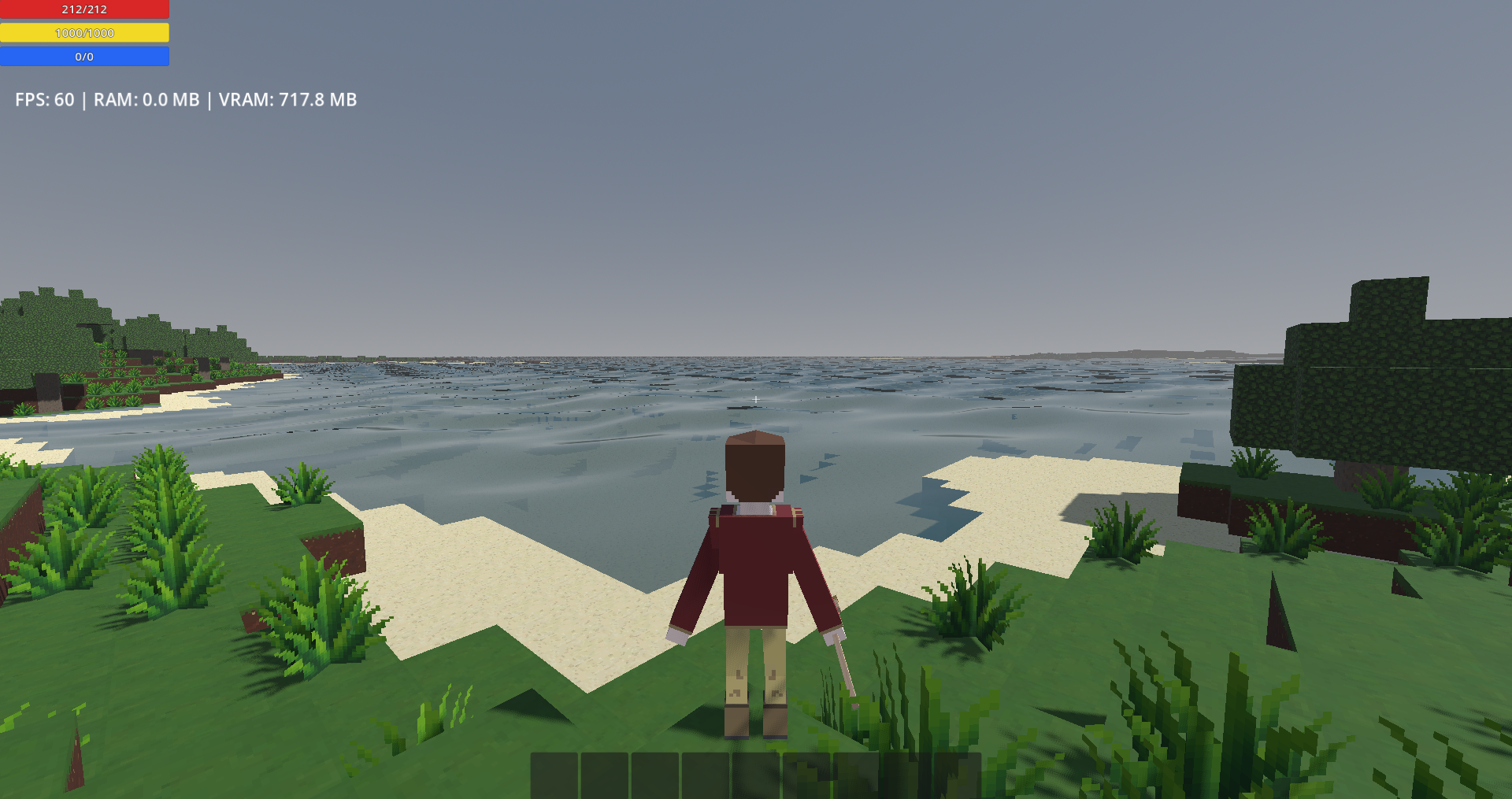
Slagborn is going to be an RPG that draws its main inspiration from Daggerfall, Kenshi and Minecraft. At the moment, it is a world that is just under 30km by 30km, but there is no world's edge, it is toroidal, you come out the other side and the other side should be rendered as well. A world of a limited size is part of the design and it allows me to do a little more with worldgen, such as generating actual drainage maps to have rivers and lakes that follow the land and make sense. This being said, my current drainage map generation needs a lot of work, but lakes were fine, last I checked (the rivers are still disgusting creatures).
So what is in? Well the list would be quite long, honestly. I have a lot of my systems mostly built, which means the current game is mostly a foundation to build on, at this point. There is some basic stuff that is missing. For example, I forgot to code the behavior for water flowing down, I only did flowing to the sides. So if you break a block under blocks of water, well things go weird! There is no NPC in at all, yet.
Little warning for anyone who would play. If you fall through the floor, which can happen if you fly fast around the map and then toogle off flight mode, quitting to main menu and reloading will always reset your position to be above ground, if you are inside terrain or under the map.
The current controls:
- Movement and Camera: WASD, space to jump, shift to sprint. Additionally, I added a fly mode, for testing, toogled with C. In fly mode, space goes up, ctrl goes down, holding shift makes up and down movements faster. Free look camera is on V and changing perspective on F.
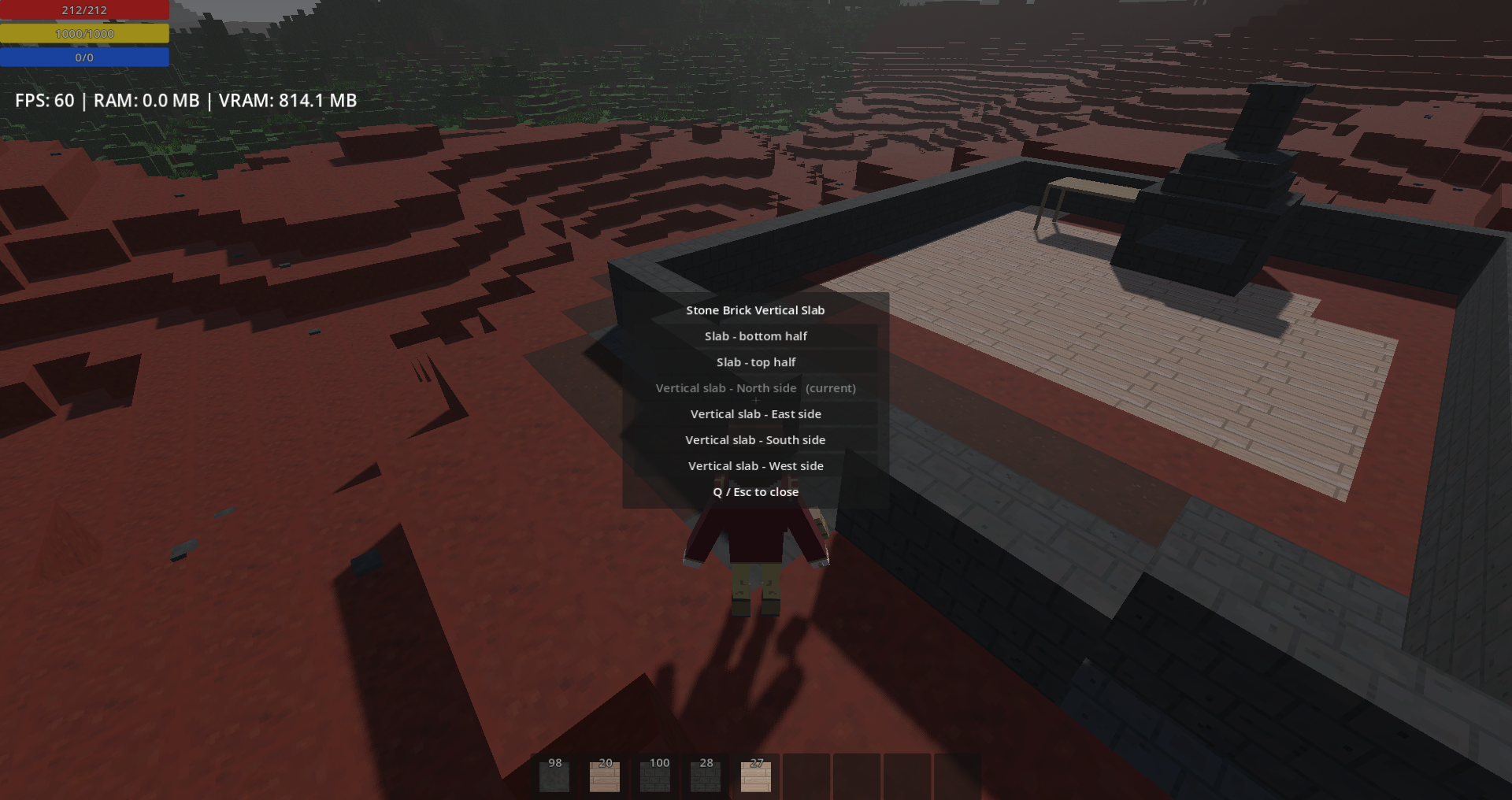
- Combat and build modes: You toogle between combat and build mode with TAB. In combat mode, left clicking attack, that is all for now. In building mode, right clicking break blocks and left clicking place blocks, if you have a valid block in your hotbar. In build mode, with a mallet equiped (which you do by default), you open a menu to rotate or change the orientation of the blocks that have multiple (stairs and slabs, for now). In build mode, E interact with things, this includes the crafting bench or picking up small stones and sticks, at the moment.
- UI control: Escape to bring up the pause menu, it only has resume and quit to main menu (which saves the game and sends you to the main menu). The inventory is opened with I. At the moment, your hotbar is mapped to the bottom 9 slots of your inventory. You should equip your tools asap, either drag and drop in their equipment slots or Shift + Right Click. P opens the character screen, you see your attribute levels and skill levels there. In the inventory, there is a basic crafting tab.
Now lets list a few of the unique key features and mechanics that are in.
- The Character Creator in Slagborn is about creating your character's class, more than anything. You have 100 points to spend on your attributes and your traits. Some traits will be negative, giving you more points to spend. At the moment, there is only 3 traits, but eventually there will be dozens. This is very much inspired by how Daggerfall does it. There is a lot of work to do on it, but the system is there and working.
- Improve by doing: All your skills level up by doing. Your attributes level up slightly differently and there is more variance. Strenght gains exp through all laboring skills as well as punching stuff. Constitution gains exp by being low on HP or Stamina. Thoughness through taking damages. Agility is raised by running and jumping. Dexterity is not yet able to gain exp, because ther things that give it exp are what I am working on at this very moment and it is the same for intelligence. Luck gains exp by landing critical strikes. All of the attributes will slowly be tied to all the appropriate systems, for their exp gain. You can expect that running around in full plate armor, in the future, will slowly increase strenght (there is no armor yet in the game though).
- Toroidal world: It is not infinite and there is no boundaries. You can walk around the world and seemlessly come out the other side, as if it was round.
- Toolbelt: Unlike in most other games similar to this, you do not need to have your tools in your hotbar. You equip your tools and they are automatically selected for the task at hand, when in build mode. If you try to break stone, it automatically uses the pickaxe and make it your active tool, until an other tool is used or you switch to combat mode. The game will always choose the best equipped tool for the job, provided that you have a tool for the job. The toolbelt also holds pure utility tools, such as the mallet, used to modify block states or orientations.
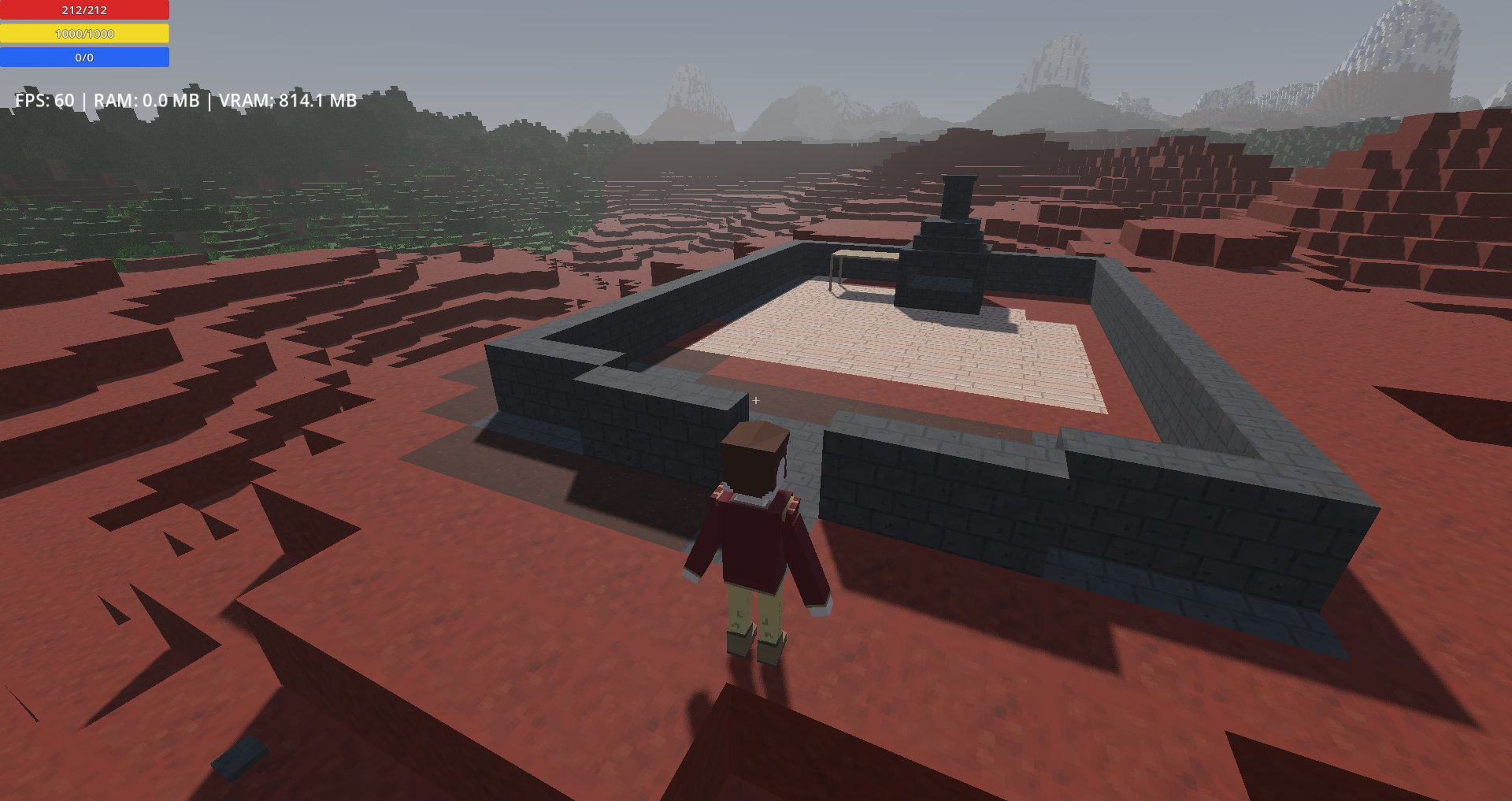
- Basic crafting: It is accessible through the inventory window, there is a crafting tab. Otherwise, once you made a crafting bench, looking at it and pressing E will open the same interface, with more options. The UI for it is still a mess, I will clean that up by splitting up categories and nesting some recipes into each others (but that will have to wait a bit). The furnace is in, but in a primitive iteration, right now, there is no fuel or lighting it, so it consumes coal as part of the recipes.
What is comming soon?
- Crafting, I am expanding it, at the moment there is only the tier 1 crafting bench, as a place holder model and tier 1 furnace (well, tier 2 crafting bench is in too, but not craftable).
- Directional placement of blocks. At the moment, all special blocks just face North when places, the malled is the only way to rotate or change their position (well, the horizontal slab is down). I plan to have this be manageable on placement, as well as after, not just after as it is now.
- Weapons, although it will only be longsword and spears, for now. Eh, I lied, I made a greatsword too! All models are in, the animations are not, so they are not active items in the build yet.
-Initial progression. At the moment, the player start with bronze tools, but bronze is already tier 3. With crafting, the first two tiers will also be implemented.
- Much more blocks. I do not really have any blocks that is intended for building, yet, it is all terrain and vegetation, so far, aside from ores (which I guess could count as terrain). I did just add a few as of the 10th of October at 4am! There is now actual blocks intended to be used for building.
- The first implementation of clothes and armor, in a layer system. To be honest though, I do not know how soon that will be, making multiple layers work on all animations is breaking my soul, I take frequent breaks when I work on that (I do not enjoy animating, I enjoy modeling though. So I have like 50 models waiting for animations...).
- Some magic. Magic is one of my most complicated and ambitious systems, I will initially just push out the base of it, as a building block for everything else.
What is AI in this game?
- Some of the code, I do not actually know GDScript, only Python, so I am constantly using Ziva as an assistant or teacher. I also use it to validate what I am doing, because well, it is much faster than me and so far it is doing some incredible work on that. Ziva is definitely better than me at coding and my insistance on still coding some of the game myself is one of the major bottle neck to developpement speed. I probably will start relying more on Ziva.
- Two textures, specifically the pine needles and the oak leaves. I plan to replace those, when ever I decide to take the time to do them in Krita, like all the other textures. Well, the character I textured in Blockbench and that convinced me to do every textures in Krita, going forward.
- The smoothing of 5 animations. Digging, mining, woodcutting and the two punches were janky. I used Claude to smooth them out. All the others have not been touched by AI.
- Forgot to mention earlier, the tool inventory icons and the ingot inventory icons. They will not stay long, they do not even match the actual items. The crafting bench and furnace icons are the same, they will be replaced relatively soon too.
That is all.
Here is a Google Docs with detailed planned features: https://docs.google.com/document/d/1kgJLBoYd4g2BUHSgewGZpvBZUCLn42USd0q7JrDFUYk/...
Download
Install instructions
Just extract the zip and run the exe to play.
Comments
Log in with itch.io to leave a comment.
Working on a world map. This will also help me with improving lake, rivers and mountains a lot, as otherwise, at the moment, crossing the entire world (East to West or North to South) takes around 30 minutes, when flying. Without flying, crossing the entire map takes 2-3 hours.
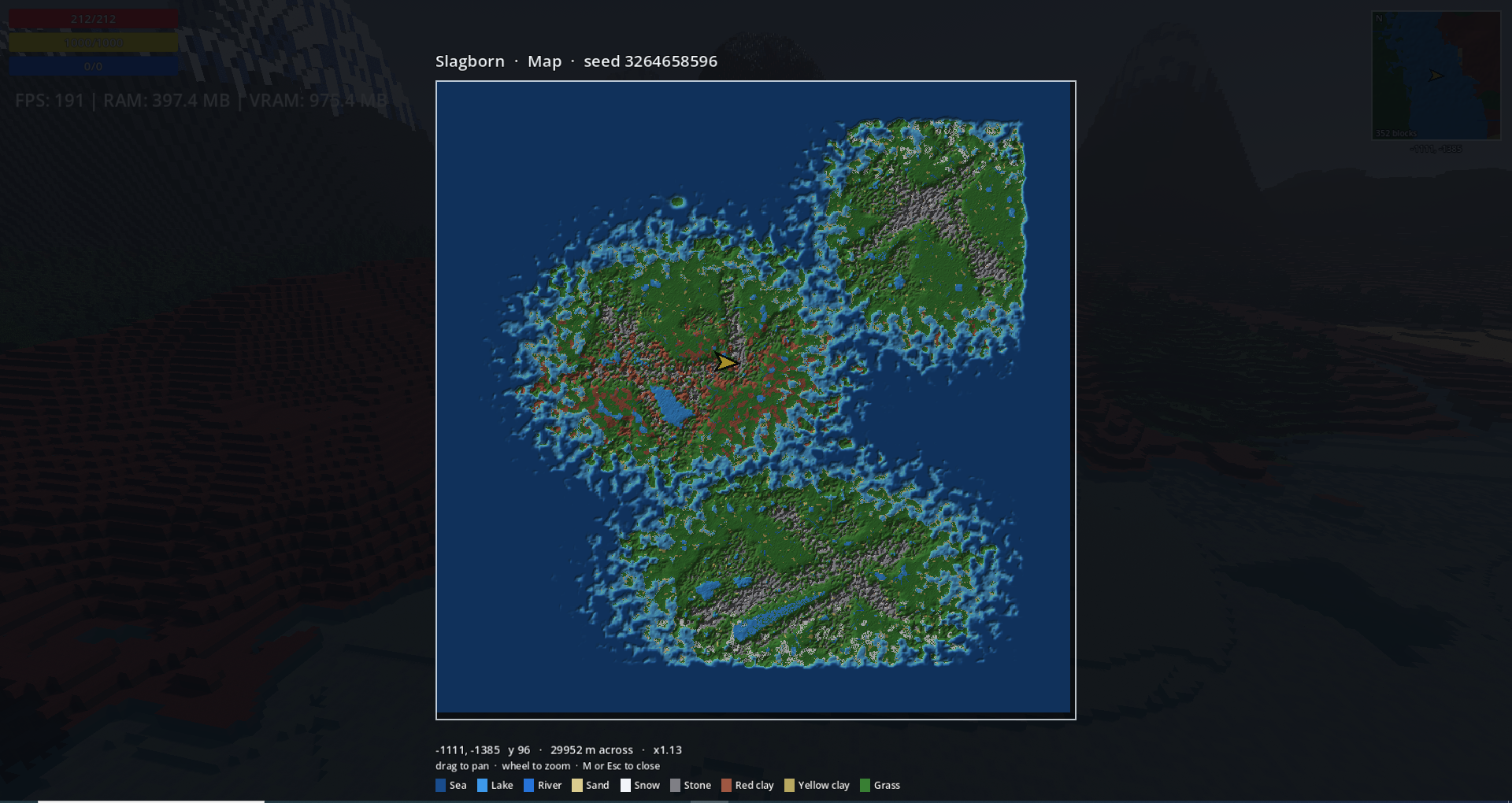
This already shows tha lakes do tend to fill lowpoints, which is good. Rivers are still a mess, which I confirmed by going to fly over a few I could spot on the map (although, rivers got better over the last 3 days). As for mountains, their shape is just not good at all right now, which the map does not show, but what the map here clearly show is that mountain chains tend to cross each others, which is not ideal.
An other thing, my drainage map, tends to be ressource intensive, at the moment, I will need to improve the calculations involved, drastically. Also, each continent has its own drainage map.
On continents, at the moment, it is intended that there is always 3, exactly. It is also intended that they never touch the world's border, as to make the toroidal wraping of the world much easier for me. It is easier to get the seafloor to connect properly than a continent which might have very rough terrain.
The red clay biome that is in most of my screenshots, only happens near the equator. It will not be as dominant for much longer, as with many of the new blocks that are soon ready, there will be more biomes that will make it in. To be fair though, I might work on trees for some times before I put in new biomes.
I intentionnally keep changing what I am working on, it is more enjoyable for me to do little bits on one thing then on an other, rather than spending weeks on a single aspect. This being said, it makes it hard to predict when each things will be redy and to which extent. I end up updating some things much sooner than I expected and others much later.